
AI Christmas Photo Generator
Turn your selfie into a festive Christmas portrait. Choose a holiday style, generate your photo, and download it when it's ready. No prompt needed.
Your photos stay private. Read how we handle them in our Privacy Policy.
Choose a Christmas Style
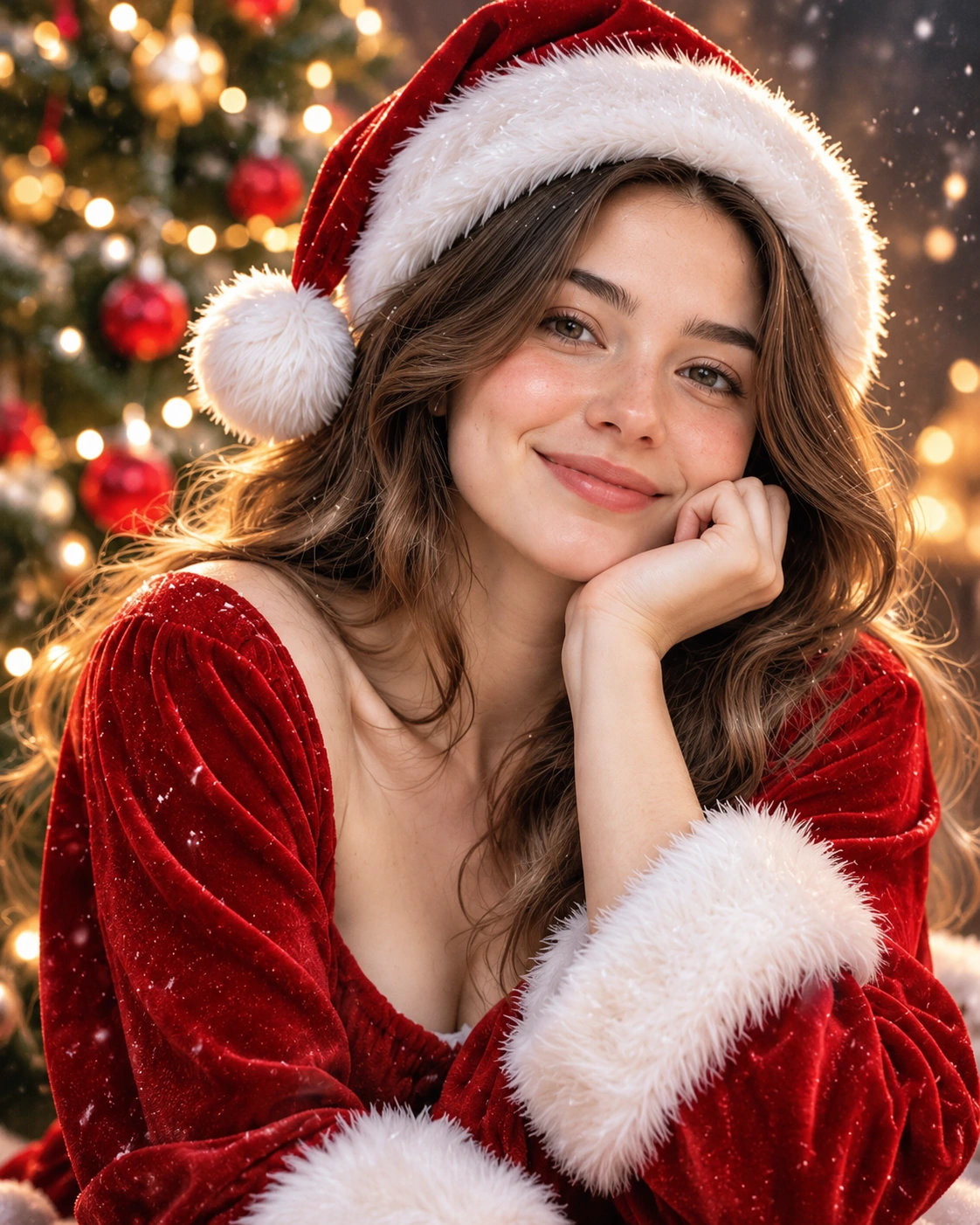 Style Example
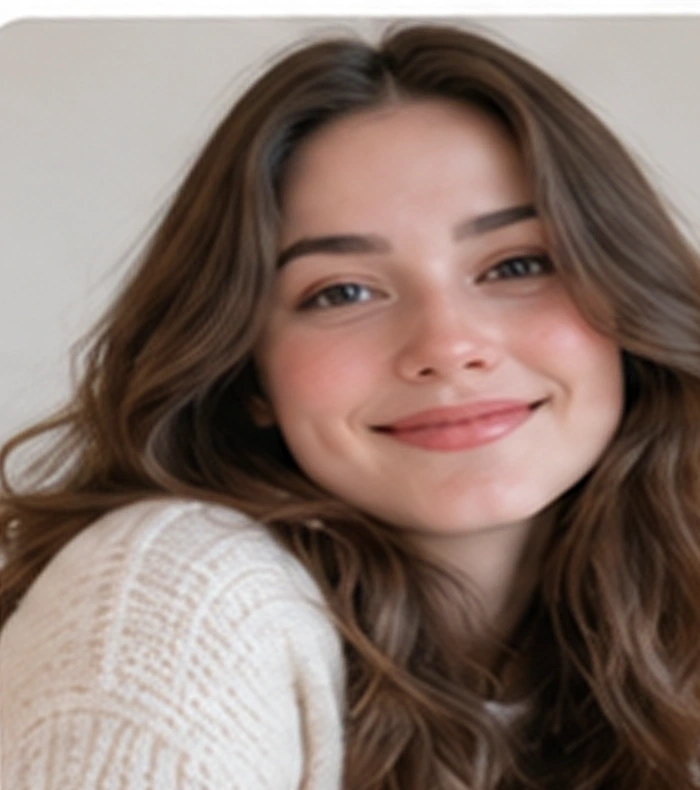 Example Input

How to Make AI Christmas Photos
You do not need to write an AI prompt or learn photo-editing software. Choose a style and use one clear selfie.
Upload a clear selfie
Choose one well-lit photo with your face visible. JPG, PNG and WEBP are supported.
Pick a Christmas style
Select a portrait, candy cane, fireplace, snowy scene or pajama look. You can choose an output ratio for portraits or social posts.
Generate and download
Create your holiday photo, preview the finished image and download it. An account and available credits are required to start generation.
Make Christmas Photos for Your Holiday Moments
Keep the process simple. Choose a photo, find a look you love, and create something worth sharing.
Holiday profile photos
Create a seasonal profile picture for your favorite social app.
Christmas portraits
Try a festive studio-inspired look without organizing a photoshoot.
Holiday sharing
Save your picture and share it with friends or family, subject to your rights.
Your private creations
Your uploaded photo and completed creations are for your account.
Try an AI Christmas Photo
See how credits work and check which purchase options are available.
Credits are reserved when generation begins and returned if a confirmed technical failure prevents delivery.
View PricingFrequently asked questions
Everything you need to know before creating your holiday photo.
How do I create a Christmas photo?
Choose one clear photo, select an available holiday style, and start your generation. You can download your photo when it is ready.
What kind of photo should I use?
Use a well-lit JPG, PNG, or WEBP image with one adult person and their face clearly visible. The maximum file size is 10 MB.
Do I need to write a prompt?
No. Each available style includes a prepared scene.
Can I use a photo with more than one person or a pet?
The current generator is designed for one adult person per photo.
What happens if generation fails?
If a confirmed technical failure prevents delivery, reserved credits are released. A result still being checked is not automatically resubmitted.
Can I share my photo on social media?
You can share your output subject to your rights in the uploaded photo, the model provider’s terms, and applicable law.
What happens if I run out of credits?
You can check the pricing page for currently available credit packs. The cost of a generation is shown before you start.
Ready to create your Christmas photo?
Your favorite holiday look starts with one photo.